TrevorVerified purchase
Quiet enough for a sleeping child
My desk is in the corner of a bedroom. The set does not wake my son during evening work, which was the deciding factor.
Pricing on request — contact us for a quote
Save 5% with a promo code.
Details
Explore the innovative Director-D ergonomic keyboard and wireless mouse designed for comfort and efficiency. Experience enhanced productivity with rechargeable features and sleek design
Color: Black
| Type | Ergo·Wireless Combo | Connectivity | 2.4 GHz Wireless / Bluetooth |
| Colors | Black | Tilt Leg | Yes |
| Wireless Distance | 10m | OS Support | Windows/MacOS |
| Sleep Mode | 20min | Battery | 2*AA |
| Keyboard Layout | QWERTY |
Based on 5 reviews
Showing 1–5 of 5 reviews
My desk is in the corner of a bedroom. The set does not wake my son during evening work, which was the deciding factor.
My mother has stiff fingers and finds the light key action easier than her old keyboard. The mouse is also easy to click without much force.
They are not loud, but a fast typist will be audible in a quiet room. For a private office that is fine; for a shared one, consider a softer set.
Neither piece has deep grooves. A cloth over the top and a brush between the keys keeps the set looking presentable in under five minutes.
I use the mouse on the left side. The shape is close enough to symmetrical, and the keyboard is unaffected by which hand does the pointing.
Reviews are limited to verified buyers. Sign in with the email you ordered with and submit from your order page.
Need help with this product?
Submit an after-sales request with your order details, or browse manuals, software and setup videos.
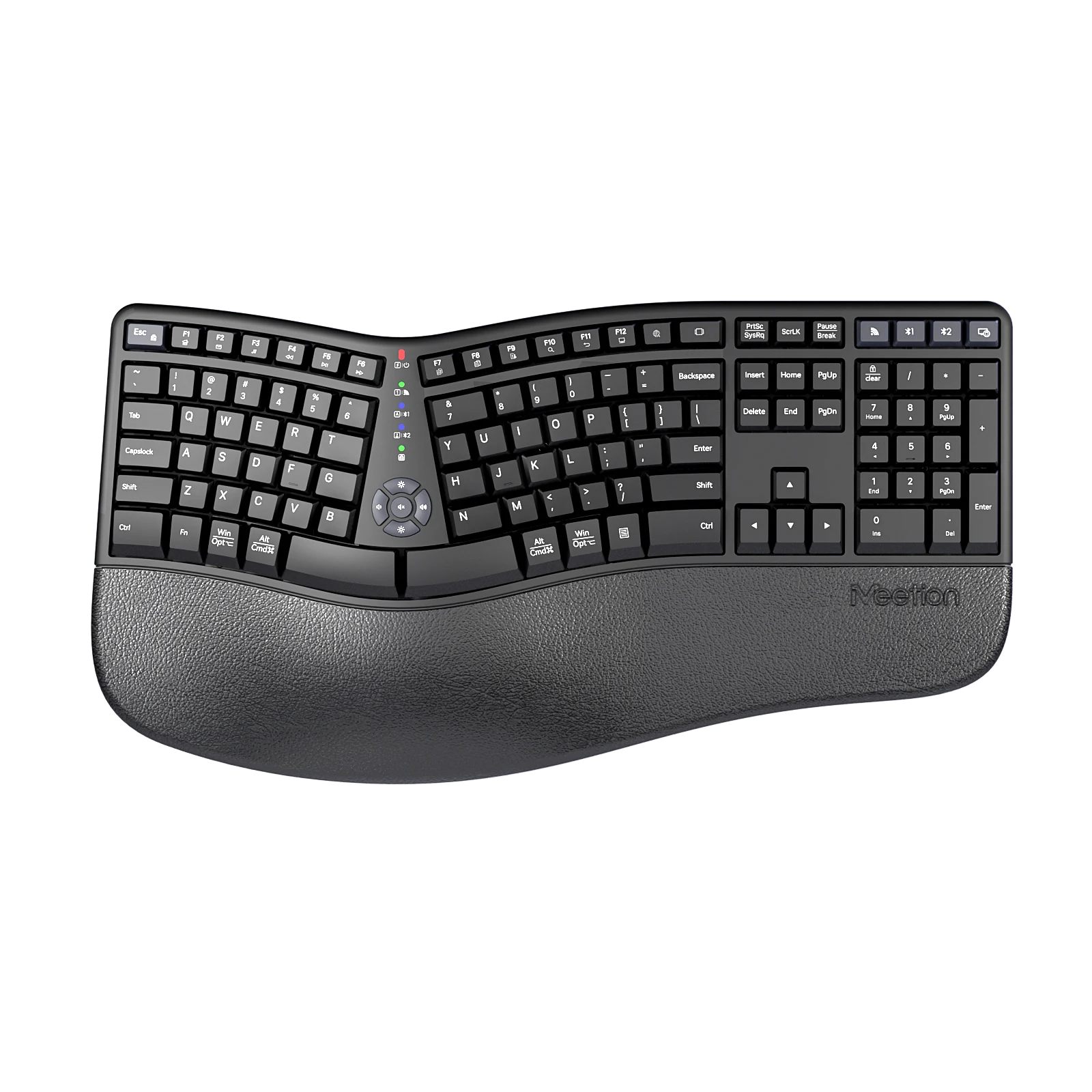
DirectorWe2 Ergonomic Wireless Keyboard
Ergonomic Wireless Keyboard with Bluetooth + 2.4G wireless low-power technology and Comfortable ergonomic design, suitable for designers/engineers/programmers etc. for long-term use arrangements
From €59
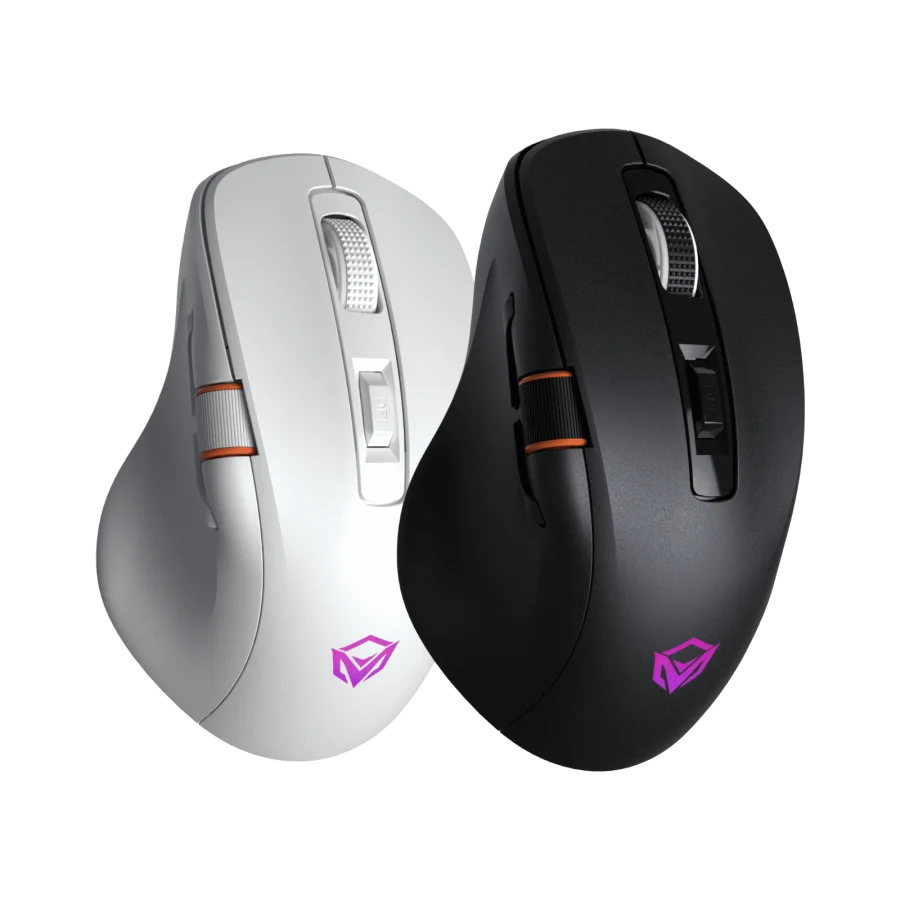
GW32
Three-Mode Gaming Ergonomic Mouse
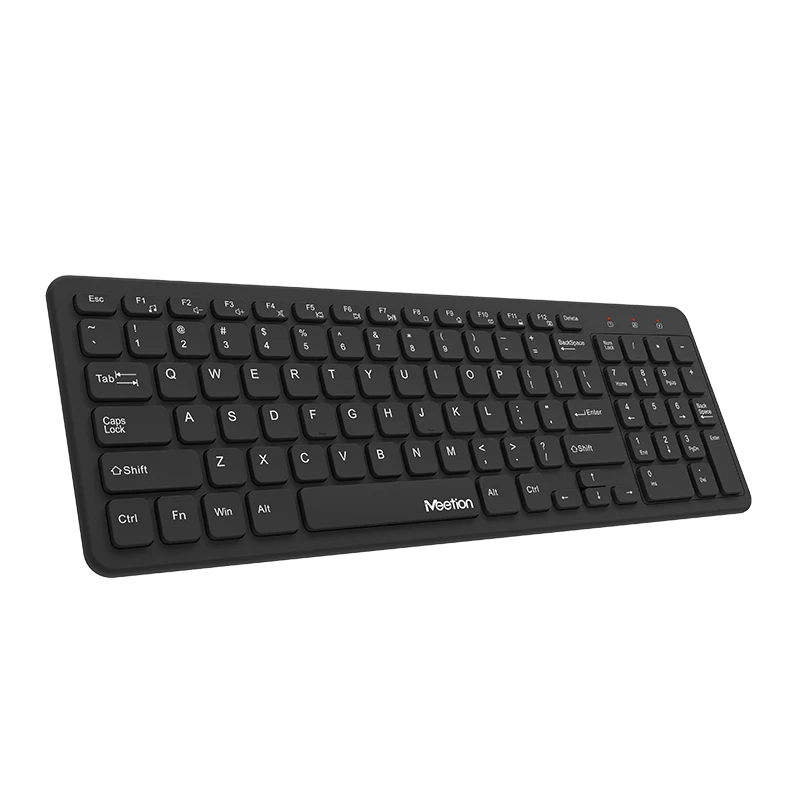
WK410
Office Wireless keyboard
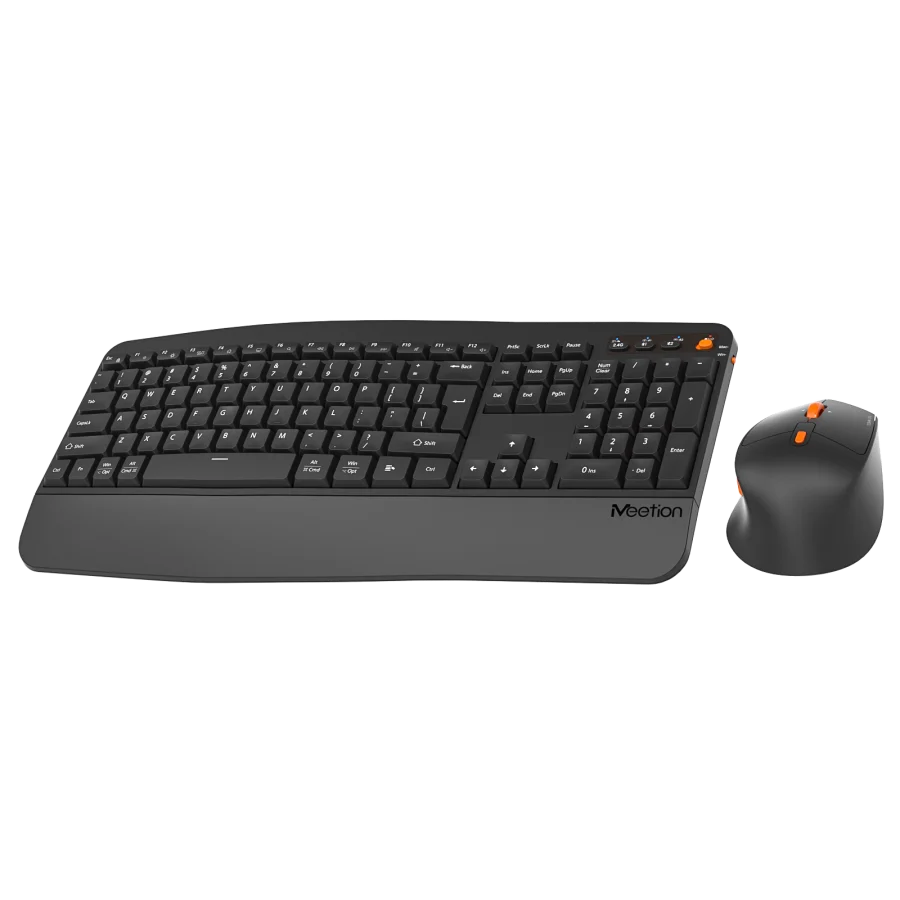
DirectorA2
Dual-Mode Ergonomic Wave-Shaped Keyboard & Mouse Combo
User manuals
Director D User Manual